Artwork
Business-card text: making contacts easy to read
Type size, hierarchy and whitespace matter more than a pile of effects.
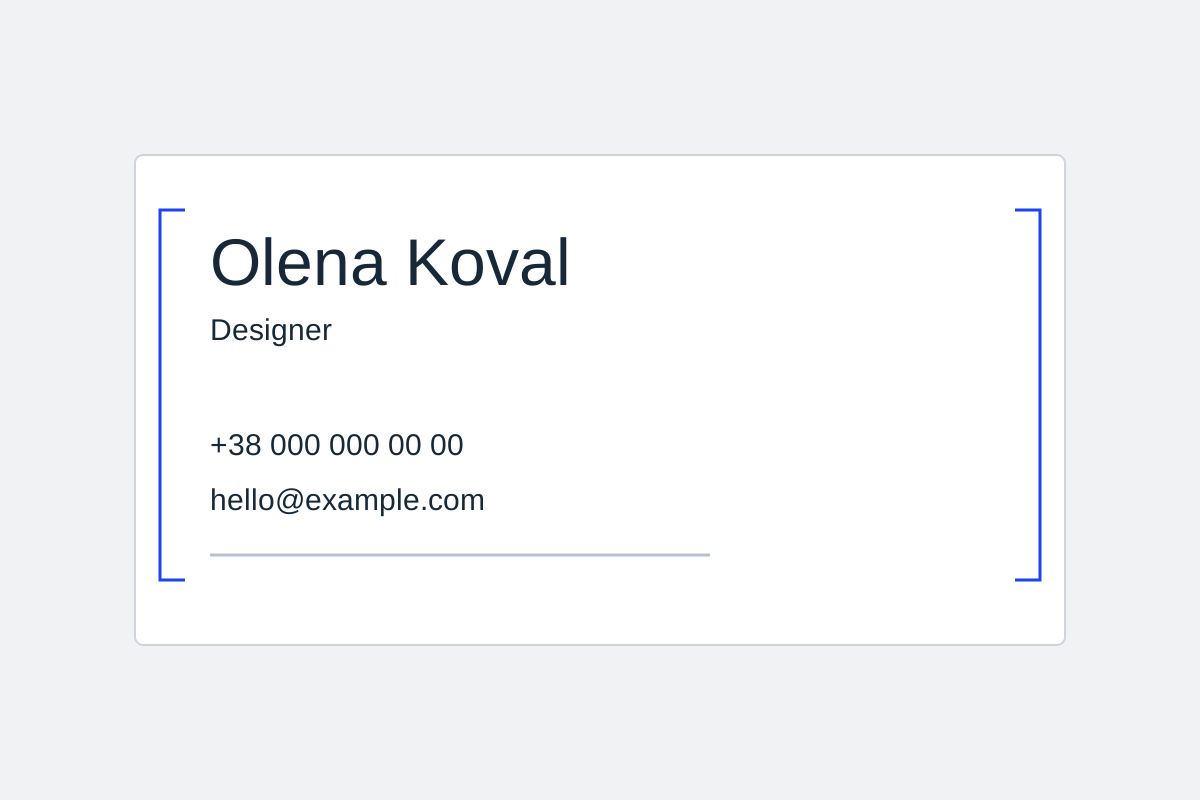
Type size, hierarchy and whitespace matter more than a pile of effects.
Start with a reading hierarchy
Use one main accent, then a role and contacts. Do not shrink a long email until it is illegible: reduce the content or change the layout. Decorative lettering can work for a short heading but may fail for addresses and numbers. Check every character in names, phone numbers and email addresses. An enlarged preview helps find errors but does not establish readability at the physical card size.
Build three levels of information
Level one is the name, company name, or logo. Level two is the role, specialism, or short benefit. Level three is the phone number, email, website, and extra links. That order prevents everything being reduced to one tiny type size. If an email is too long, reconsider the contact mix or layout rather than sacrificing legibility.
A prominent name, a smaller role and one calm contact group. Remove a secondary slogan rather than squeezing every line.
Decide this before generating
- Read every contact character by character.
- Check contrast and cut margins.
- Inspect the card beyond an enlarged view.
Review more than a large preview
An enlarged preview is useful for finding errors, but it can hide type that is too small in physical use. Check every digit and email character, review contrast on both light and dark areas, and retain margins near the edge. A QR code also needs clean space around it so it remains easy to scan.
Common questions
Can I use a decorative typeface?
Yes, but reserve it for a short accent such as a name, title, or slogan. Contacts, numbers, and email benefit from a simple typeface with clearly differentiated characters.
What if there are too many contacts?
Choose one primary channel and remove secondary detail. If needed, move a second message to the back or add a QR code that leads to a complete, maintained list of links.