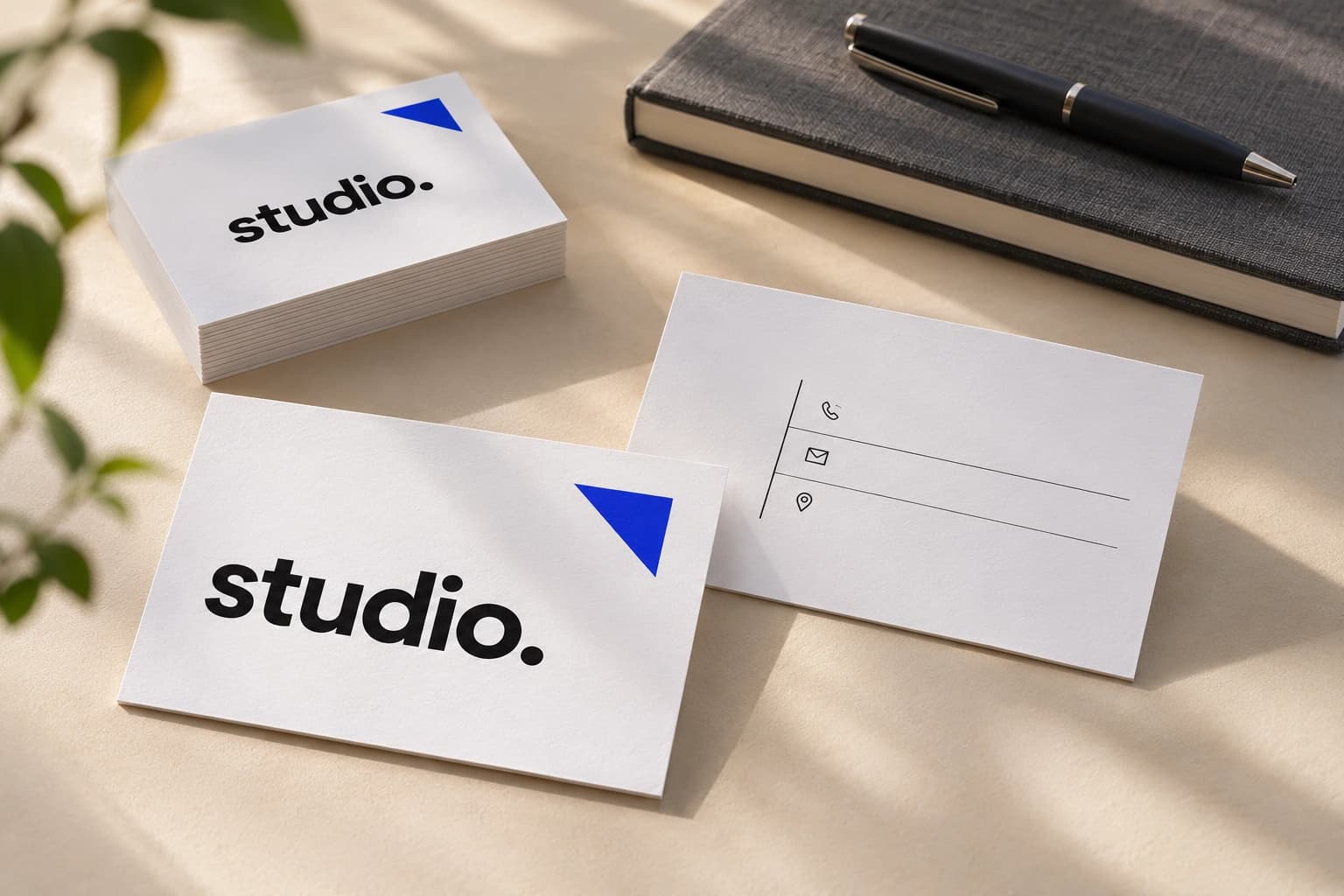
Choose the orientation, quantity, one or two printed sides and finish. The price is shown before you place your order. Sign in or register to use the AI designer.
Choose a profession and an example, add an image as a reference, or start with your own idea. Provide the exact name, business name, role and contact details, and describe your preferred style.
Choose print settings and a starting point.
Discuss copy, colours and layout with the AI designer.
Confirm the agreed description and review the generated design.
Request edits if needed, check the result and place your order.
What to prepare
Provide only what belongs on the card: a business name, personal name, role, phone, email or link. For two sides, describe each one separately. You may add a logo or photograph as a reference and explain how it should influence the design.
AI can make mistakes in spelling and details. Before confirming, check every character, the logo and the visual hierarchy. Discuss corrections in the chat.
Printing your approved design
Cards are 90×50 mm on white matte coated 350 g/m² paper. Choose one- or two-sided printing and optional matte or glossy lamination on both sides.
Once the design is approved and paid for, PrintMarket prints your chosen run. The price depends on the available quantity, sides and finish; the designer shows the current total.
Frequently asked questions
Do I need design experience or existing artwork?
No. Start with a description, choose a profession and example, or add an image as a reference. The design is created in conversation.
Can I add a logo or an old business card?
Yes, as a reference for the AI designer. Existing customer files are not sent directly to print; check the final logo and text.
Can I download a print-ready file?
No. The production file remains private; your account provides previews and repeat ordering. The payment invoice can be downloaded separately.
Can I order two-sided cards?
Yes. Choose two sides at the start and describe what belongs on each.