Business cards for real estate agents
Create an agent’s personal card or an agency card so clients can find your contact details after a viewing or meeting.
Choose a design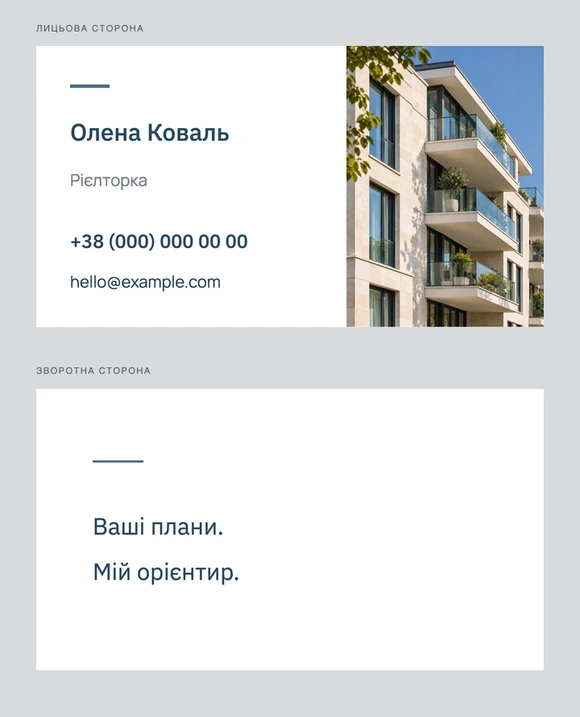
- Size
- 90×50 мм
- Paper
- 350 г/м²
- Minimum order total
- UAH 356
The price depends on quantity, sides and lamination. Minimum order total →
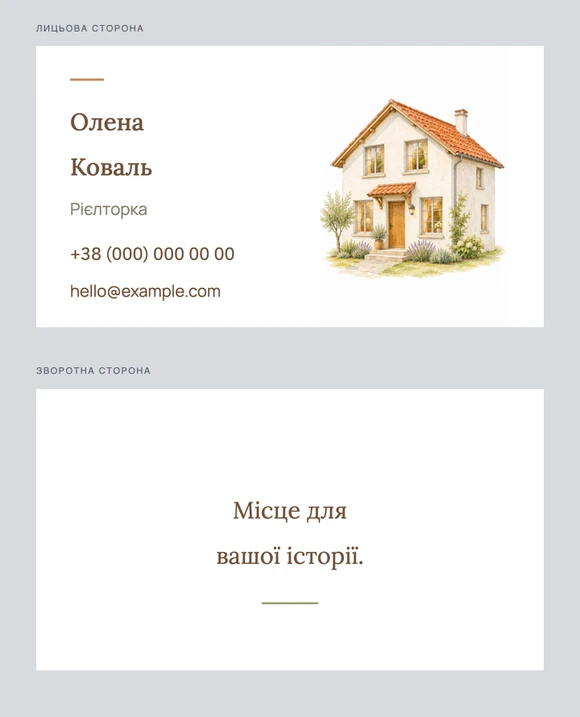
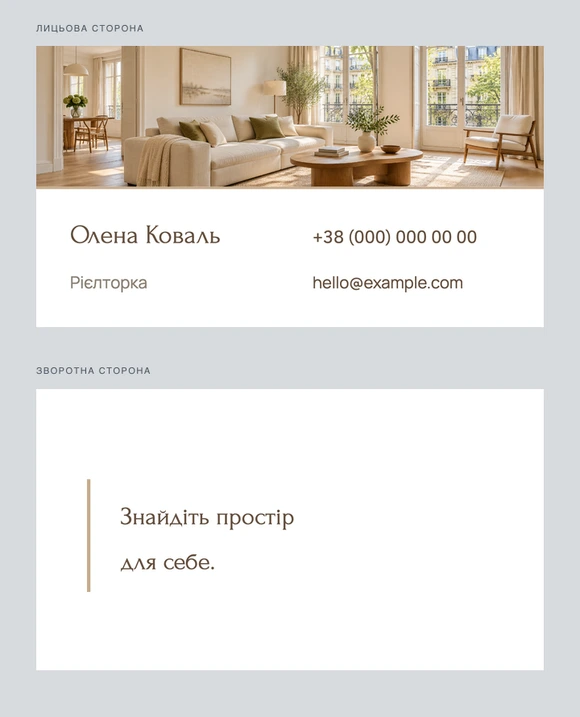
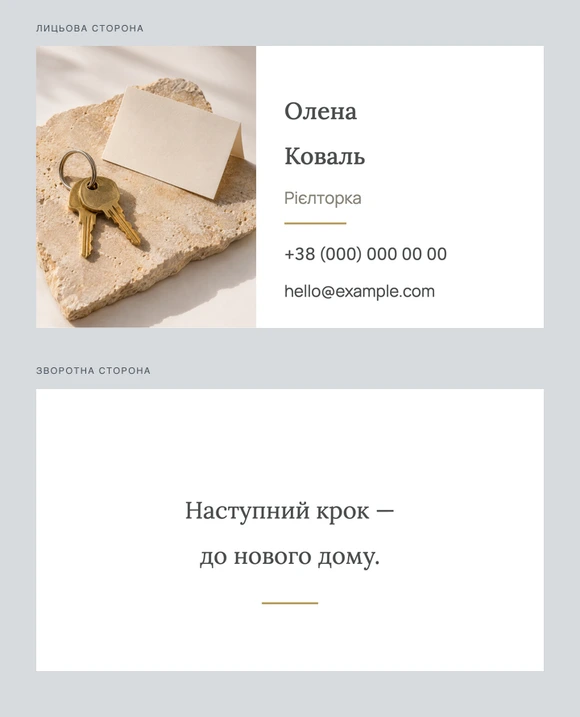
Design examples
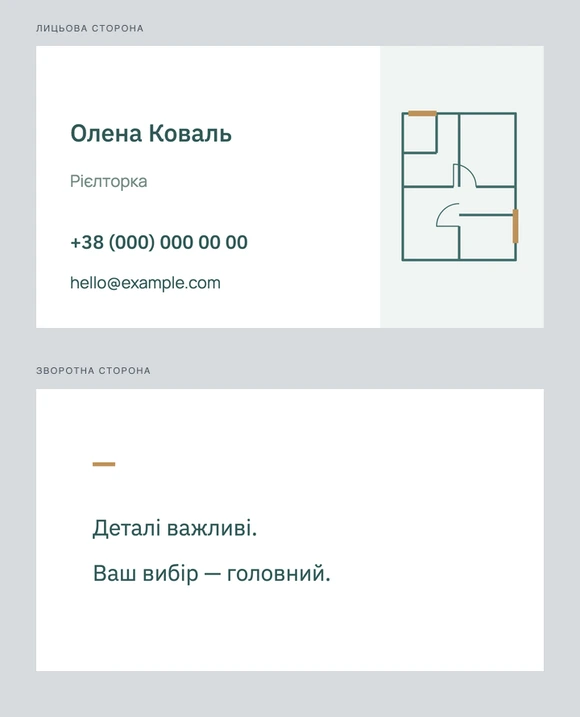
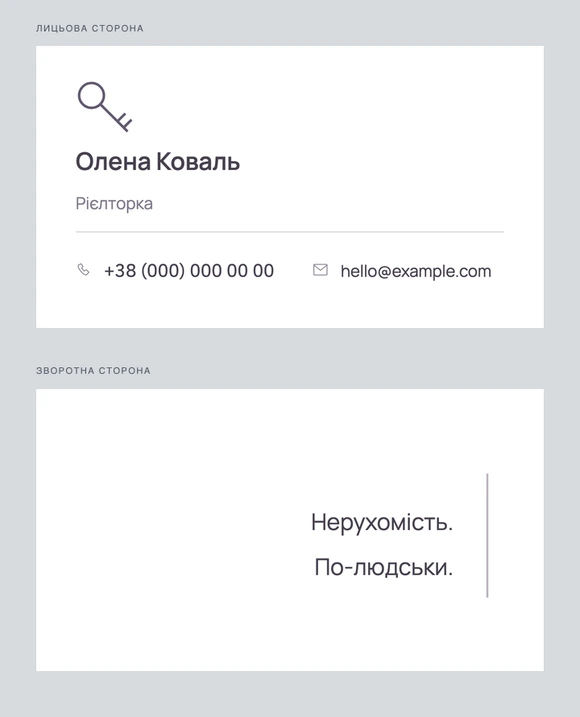
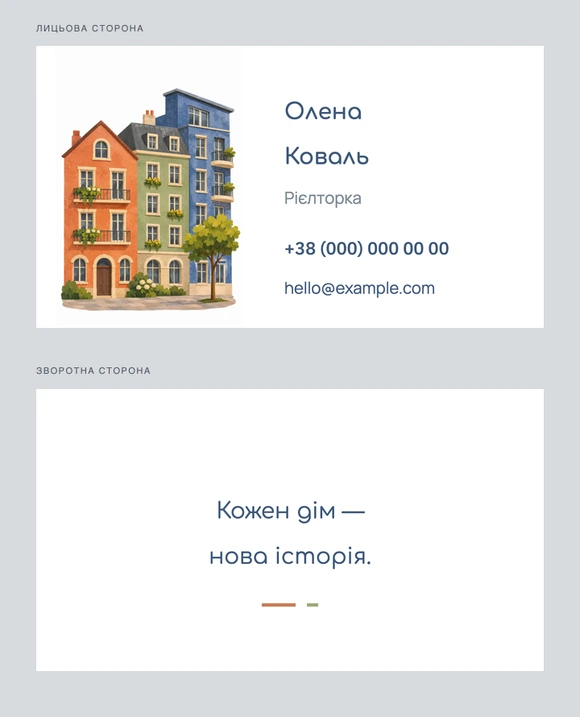
These are design examples: AI uses your selection as the starting point for your card.
How to create your card
Choose the quantity, sides and lamination. Then choose a profession example and share your details and preferences in chat. Review and approve the design before ordering.
Printing and delivery
Cards are 90×50 mm on 350 g/m² paper. Choose one or two sides and optional lamination. See the full price before ordering; delivery to a Nova Poshta branch or parcel locker is free.
What to put on your card
Highlight the agent’s name, role and phone number. Add an agency name, work email, website or actual service area if useful.
A personal card can lead to an individual agent while an agency card can lead to a general office. Label the numbers accordingly if both appear.
- Agent name and role
- Phone number and work email
- Agency or service area if useful
What to put on the reverse
The reverse can hold an agency logo, slogan or link to your listings. Use property photographs only with permission and avoid invented sales results.
Choose two-sided printing in the order options to print both sides. Tell the designer what belongs on each side and check both in the preview.
Choosing a style
Architecture, geometry or restrained typography can support your professional identity. If you want a portrait, provide your own photo and check its reproduction in the design.
Your chosen example is a starting point: describe any changes in chat. Check the text, contacts and graphics carefully before ordering.
Frequently asked questions
Can I add an agency logo?
Yes. Upload a logo you have permission to use as a reference, describe its placement and check the preview.
Can I specify a service area?
Yes. Include only the current area you actually serve and check the wording before ordering.
Can I change the selected example?
Yes. Ask for different colours, type or details in chat and check the result before printing.
What determines the price?
Quantity, number of sides and lamination determine the price. The current minimum is shown above and the exact total for your choices appears before you place an order.